A first coding tool for children who can’t type yet
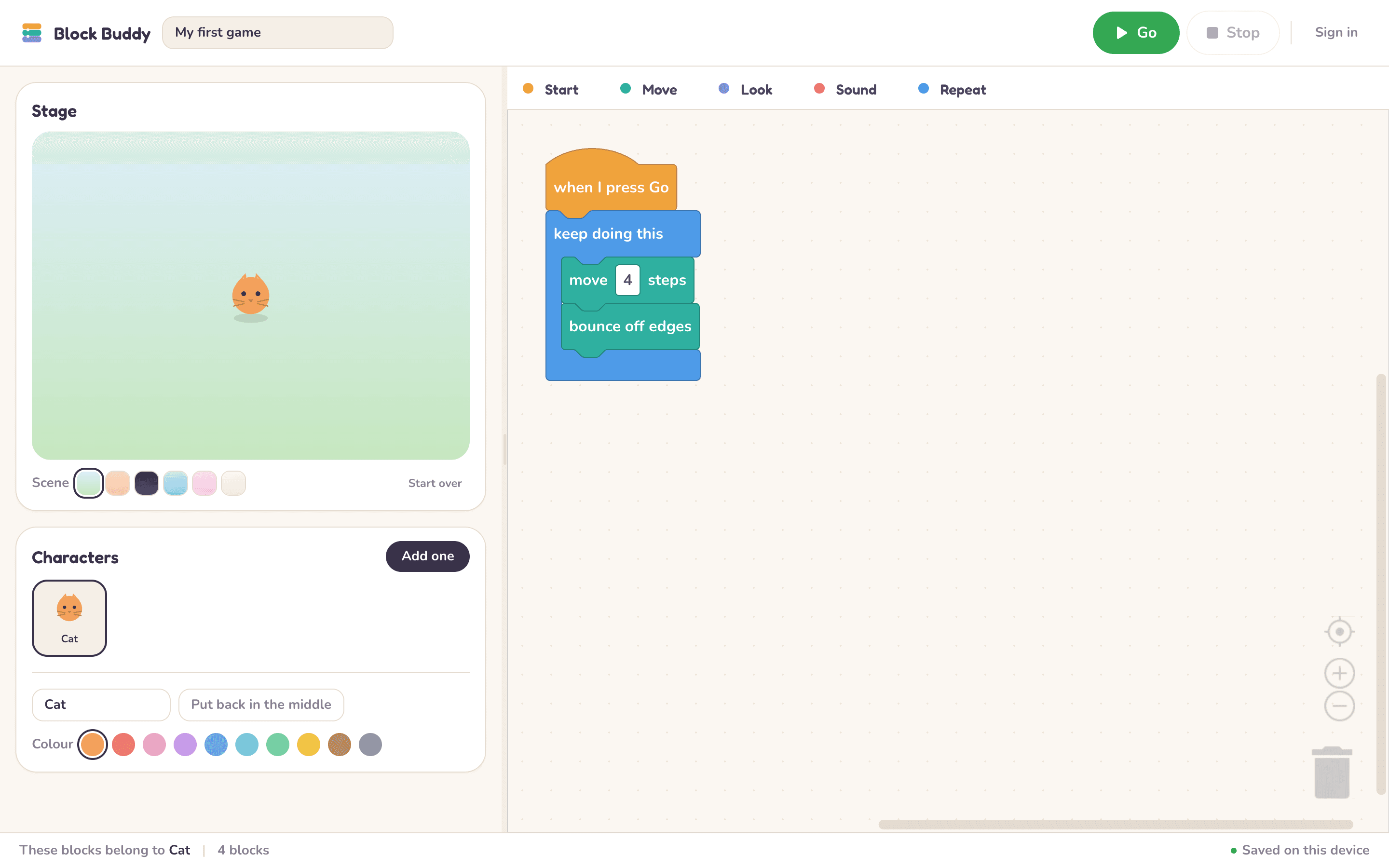
Block Buddy is a drag-and-drop coding playground for ages seven and up. Snap a few blocks together, press Go, and a character moves. No typing, no syntax, no account.
- Free
- No account needed
- Works in any browser
- Ages 7 and up
How it works
Three steps, and the first project is running inside a minute.
Step 1
Pick a character
A cat, a robot, a rocket — eight to choose from, and each one can be painted any colour.
Step 2
Snap blocks together
Drag a block from the palette and click it into place. Blocks only fit where they make sense, so there are no syntax errors to hit.
Step 3
Press Go
The character moves, talks and plays sounds. Change a number, press Go again, see what happens.
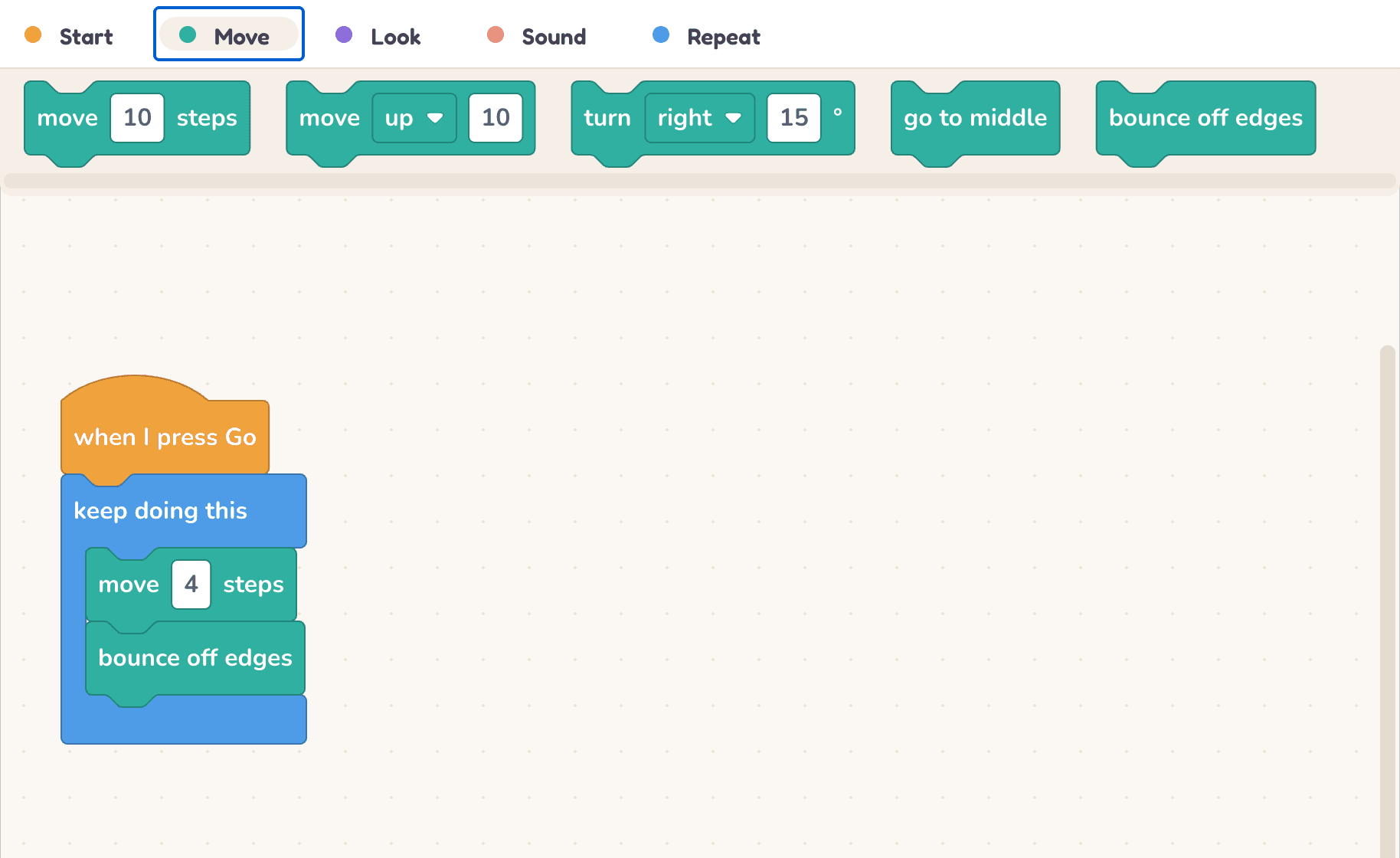
Nineteen blocks. That’s the whole language.
Most block languages hand a child hundreds of blocks and a lot of empty sockets to drag numbers into. Block Buddy has nineteen, in five colours, and every number is typed straight onto the block. Small enough to learn all of it.
- Start3 blocks
- Move10 blocks
- Look5 blocks
- Sound1 blocks
- Repeat7 blocks
- Game6 blocks
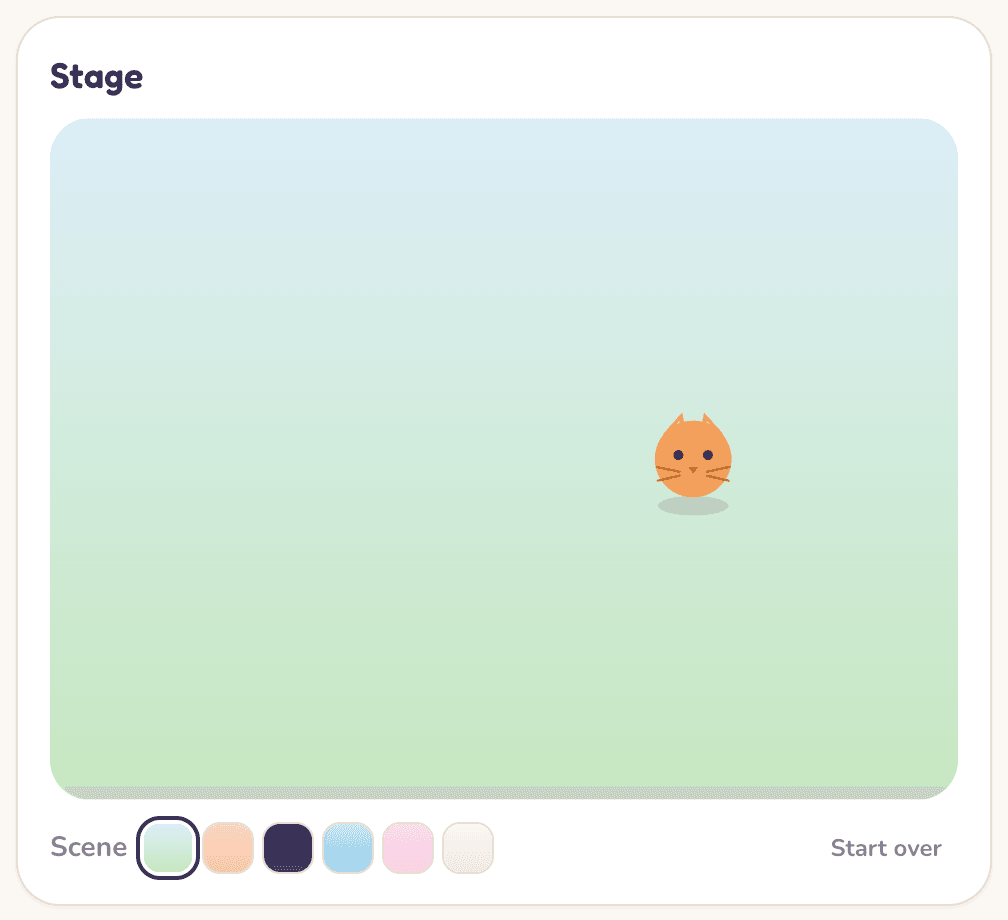
Press Go, and see what your code does
The script runs live on the stage while the blocks that are running light up. A “keep doing this” loop animates instead of freezing the page, and Stop always works.
Loops animate
One step per frame, so “keep doing this” is watchable.
Characters talk
A say block puts a speech bubble on the stage.
Click and key events
Scripts can start when a character is clicked or an arrow key is pressed.
Every block
The complete set. This is exactly what appears in the editor’s palette.
Start
- when I press Go
- when up arrow is pressed
- when I am clicked
Move
- move 10 steps
- move up 10
- turn right 15°
- point up
- point at another character
- go to middle
- bounce off edges
- move me with the arrow keys 6
- chase another character
- run away from another character
Look
- say Hello!
- say Hi! for 2 secs
- grow by 20
- show me
- hide me
Sound
- play pop sound
Repeat
- wait 1 secs
- repeat 10 times
- keep doing this
- if I touch another character
- if I touch the edge
- if up arrow is held
- stop everything
Game
- add 1 to score
- reset score
- go to random spot
- if I reach the flag
- if score is 5 or more
- finish the game and say You win!
For parents and teachers
The things you would want to know before handing it to a child.
No account needed
Open the page and start. Projects are saved in the browser on that device.
Sign in only if you want to
Sign in with Google and projects follow your child to any computer. That is the only thing an account is for.
Nothing to install
It runs in any modern browser on a laptop, desktop or tablet. There is no app and no download.
No ads, ever
There is nothing here to sell and nowhere to click away to.
Common questions
Does my child need to be able to read?
Most seven-year-olds can read everything here. Every block is a short phrase like “move 10 steps”, and the colours tell you what each one does, so a child who is still finding reading hard can follow the shapes and watch what happens when they press Go.
What ages is it for?
It was designed around seven- to ten-year-olds. There are nineteen blocks in total and no maths, variables or logic — so older children will outgrow it, which is the point. When they do, they are ready for Scratch.
Is it free?
Yes, completely. There is no paid tier, no subscription and nothing to unlock.
What happens to my child’s projects?
Without an account they are saved in the browser on that device. With a Google sign-in they are saved to your account, so they open on any computer. Either way, nothing is shared unless you choose to share a project link.
Which devices does it work on?
Any recent Chrome, Safari, Firefox or Edge on a laptop, desktop or tablet. Phones work, but a screen that small makes dragging blocks fiddly.
Ready when they are
Nothing to install, nothing to set up. Open it and start.